WebGPU Visual Composition Studio

A WebGPU-powered browser design tool for creating living visual compositions.

Amorpher is a browser-based visual composition tool for creating abstract still images, animated visual loops, and luminous graphic experiments. It runs directly in the browser and provides a real-time environment for shaping visual material through editable objects, motion, and layered rendering.

Core features

Three main visual objects.

Amorpher is organized around three editable object types. Together they create a real-time system for shaping fields, curves, gradients, patterns, motion, and layered rendering directly in the browser.

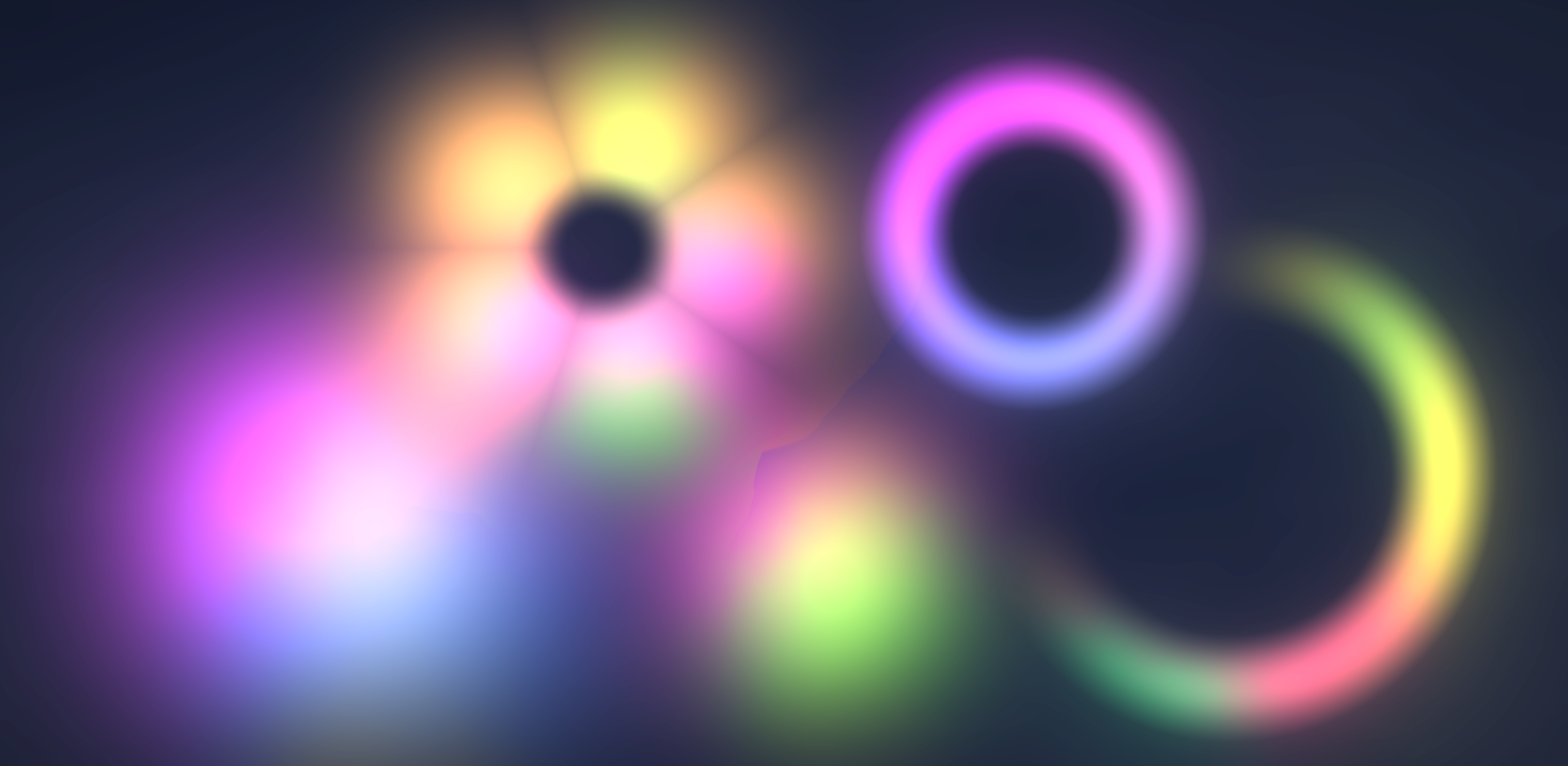
Blobs

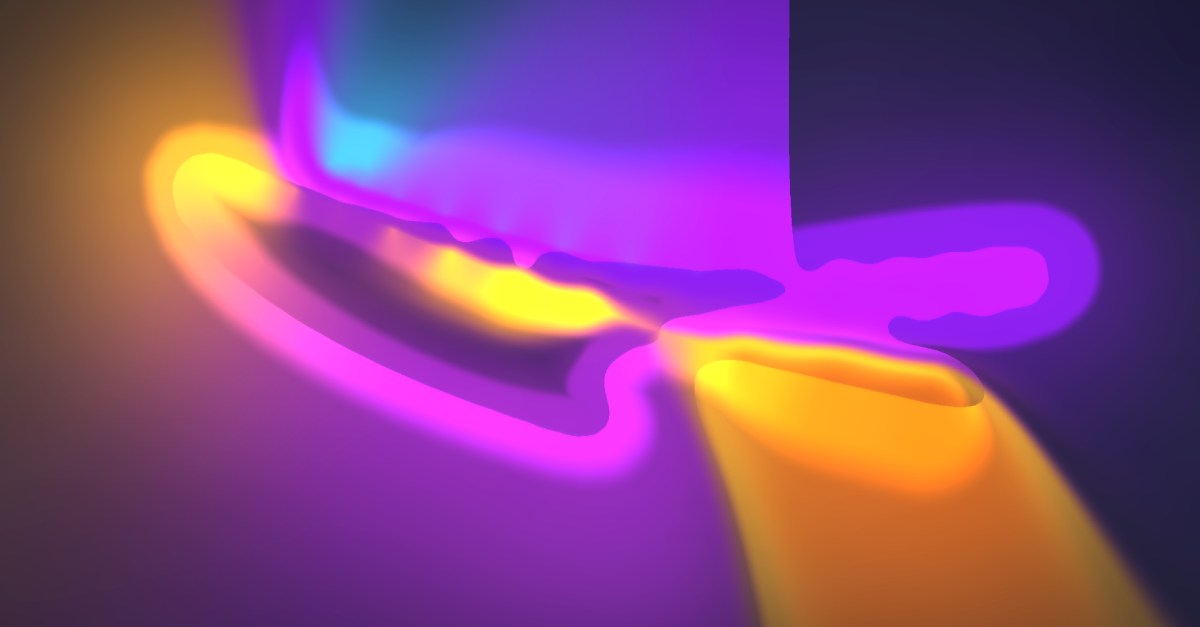
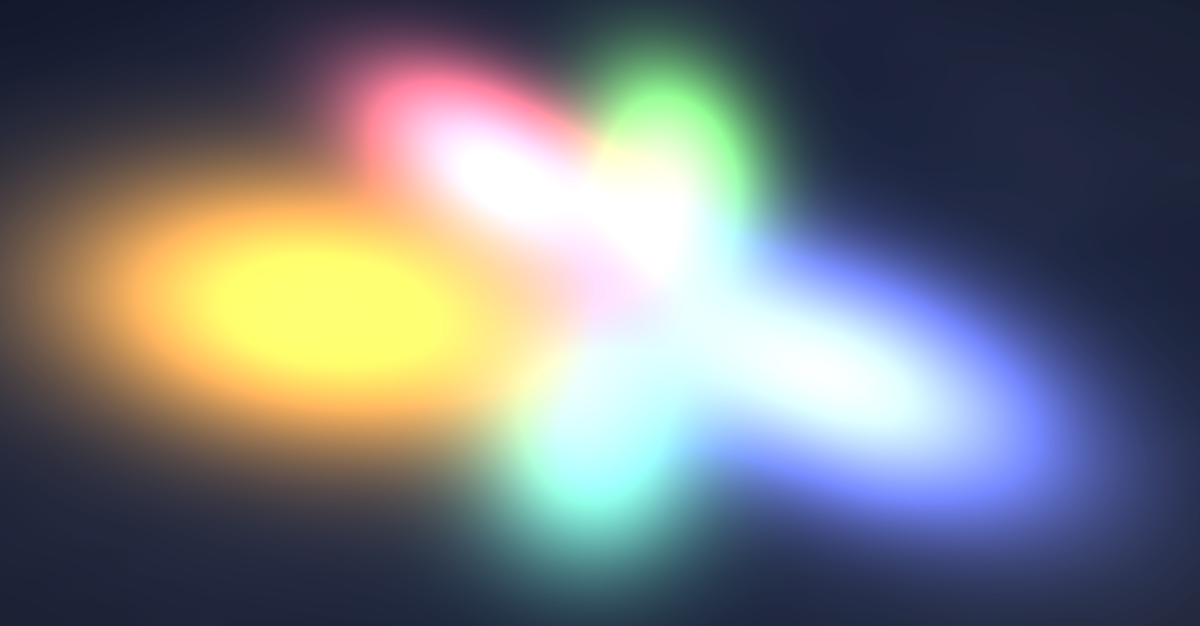
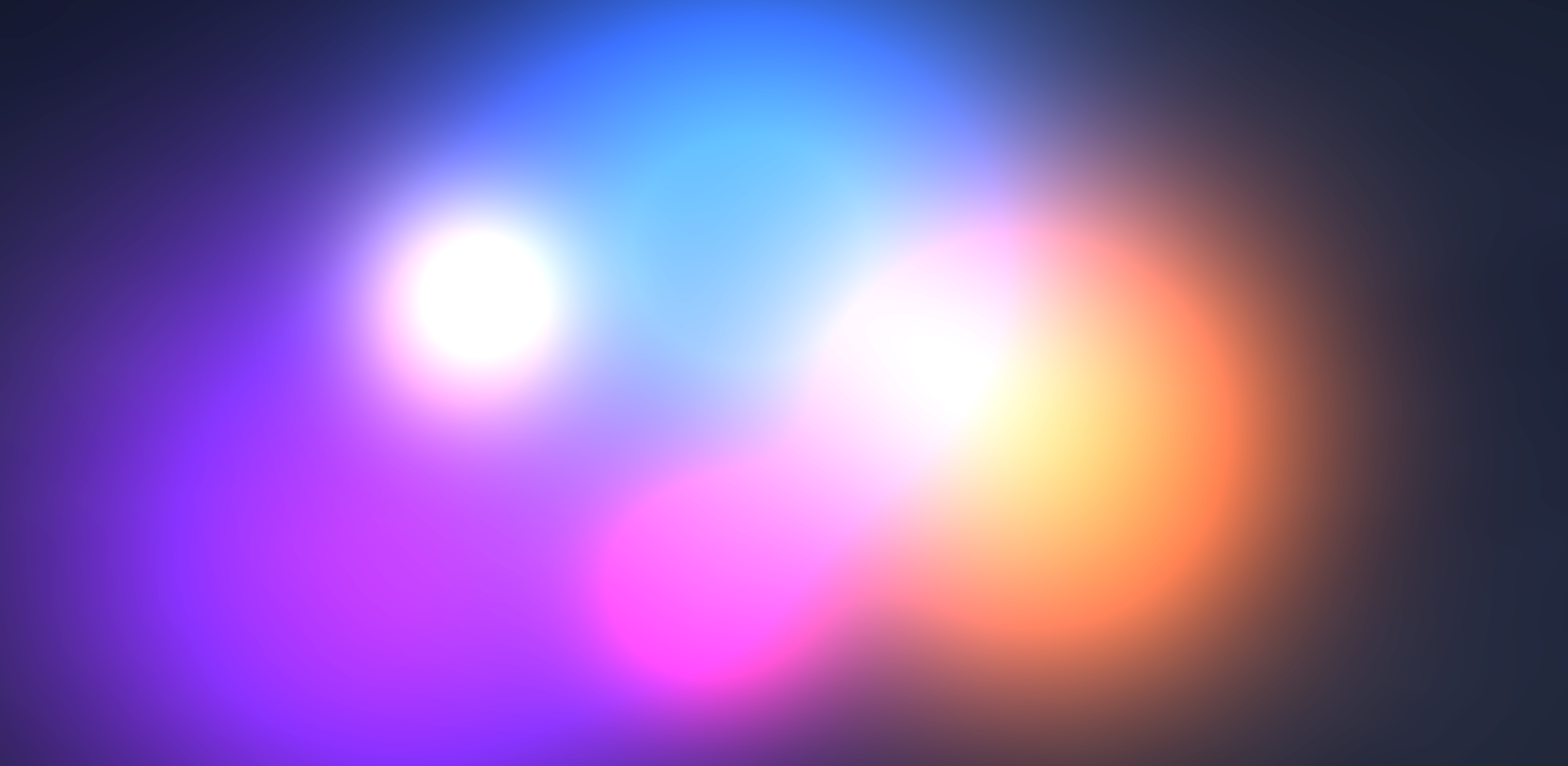
Blobs are soft fields of color and light. They create glowing masses, atmospheric depth, smooth gradients, and abstract spatial relationships. During animation, blobs can influence one another, adding dynamic movement and atmospheric shifts to the composition.
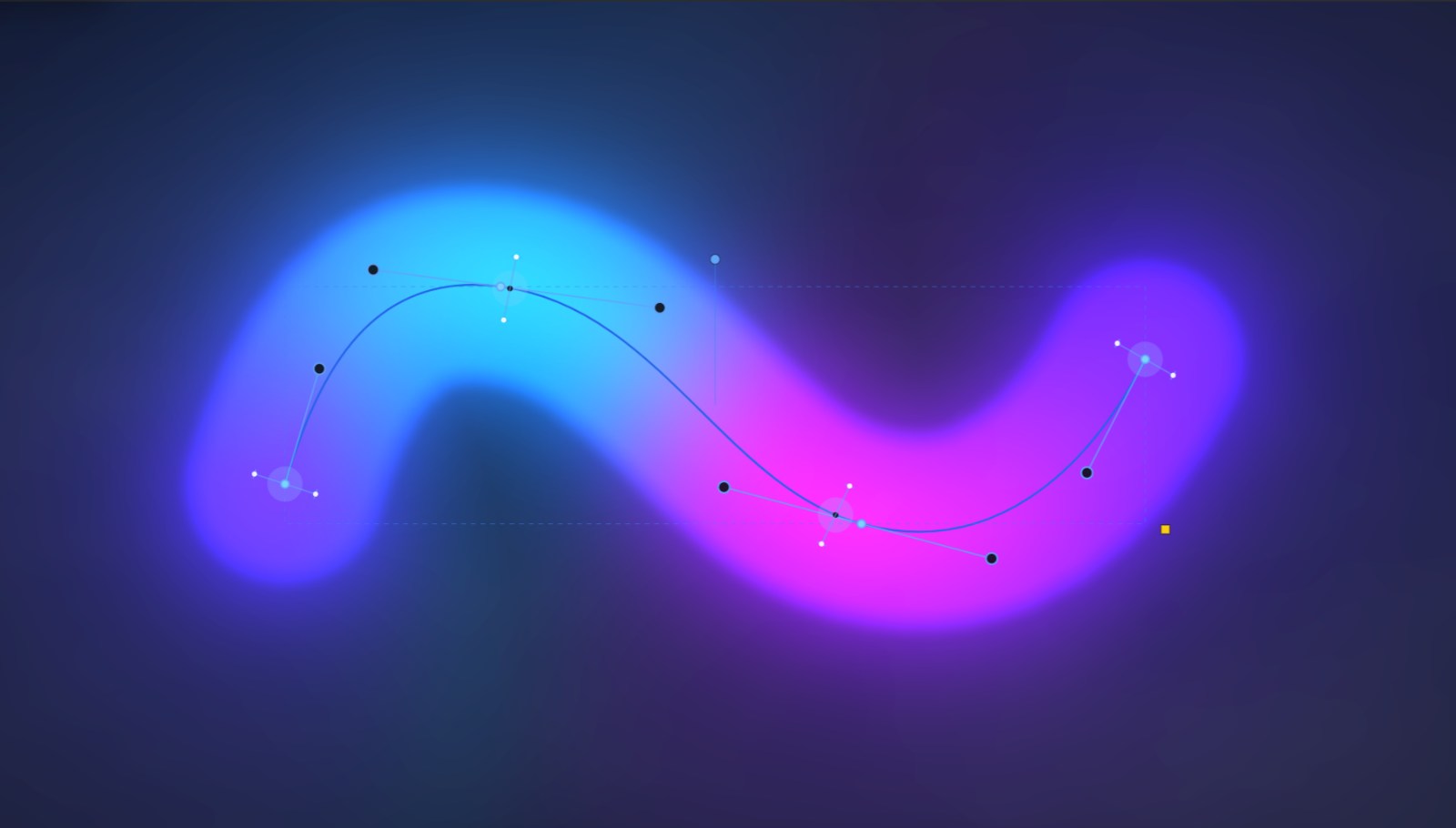
Paths

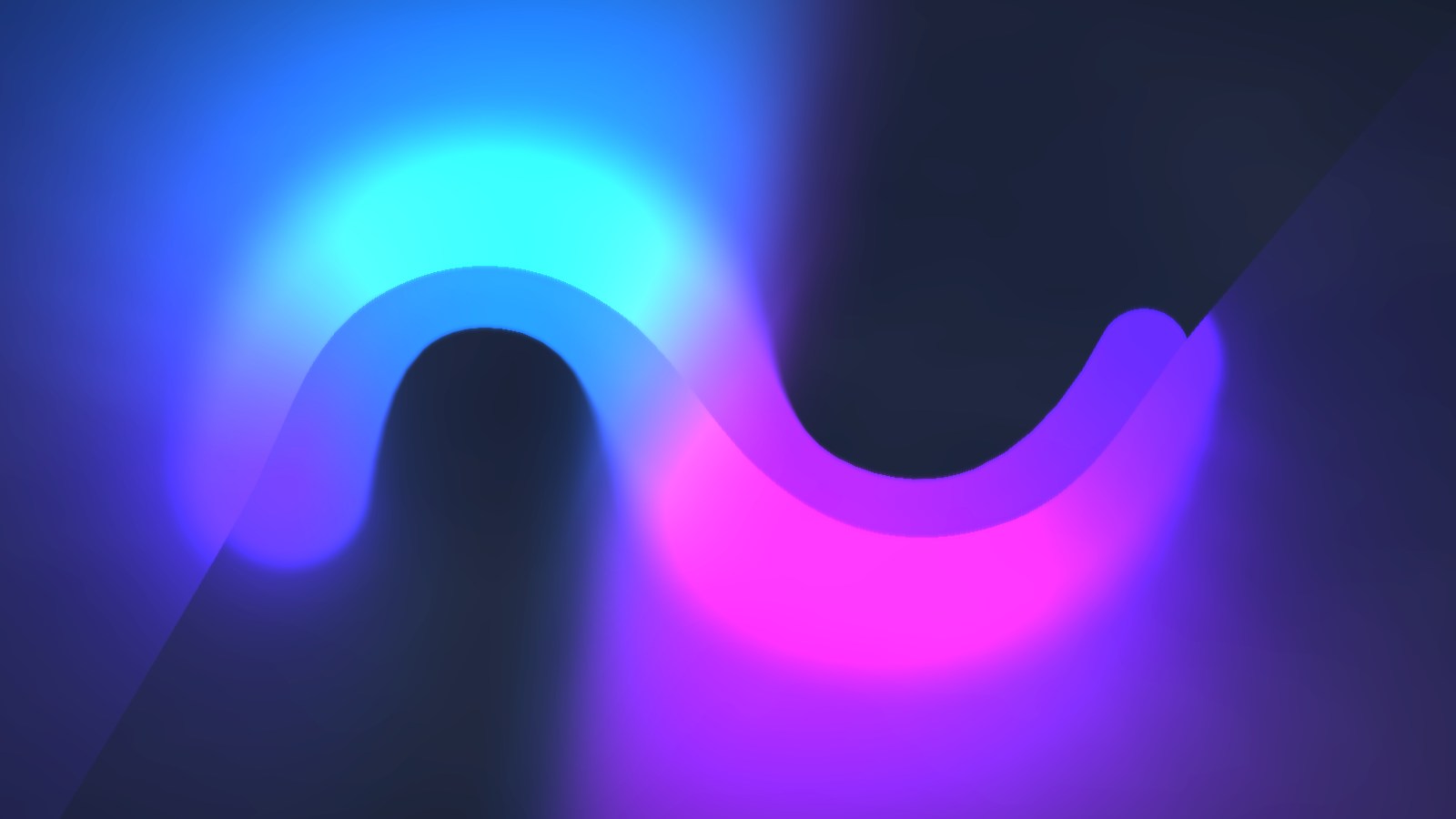
Paths are editable Polyline or Bezier curves with powerful rendering flexibility. They can carry controlled gradients along the path, variable width, power points, animation, and render styles that turn a curve into a structured graphic system.

Power points control color, local width, strength, opacity, and asymmetric blur/spread along the curve, allowing each path to shift, expand, narrow, and soften at different points.

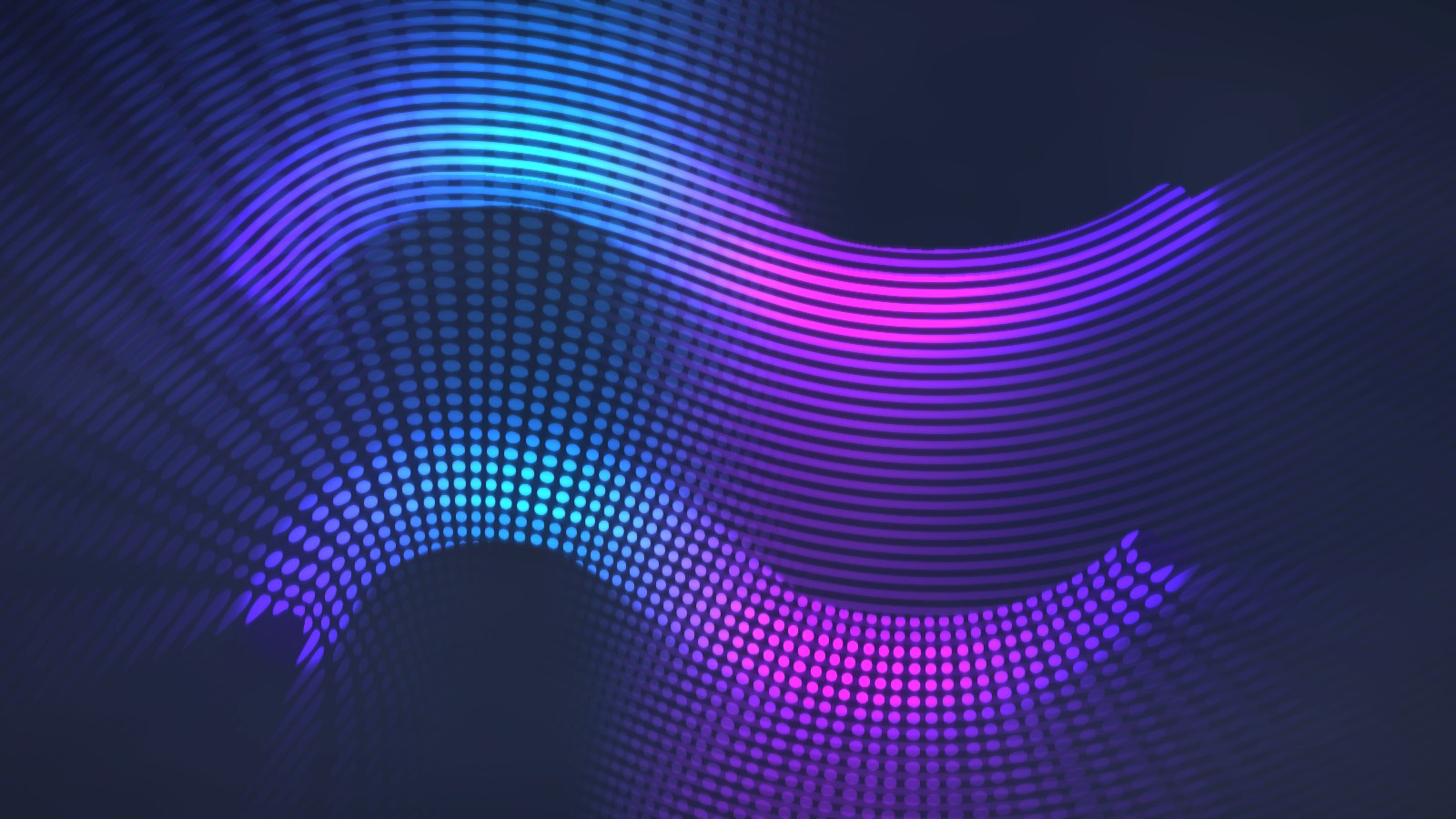
Paths can also use pattern-maps - procedural or custom graphic maps that follow the path's shape and motion, adding internal structure to the rendered form.

Gradient Patches

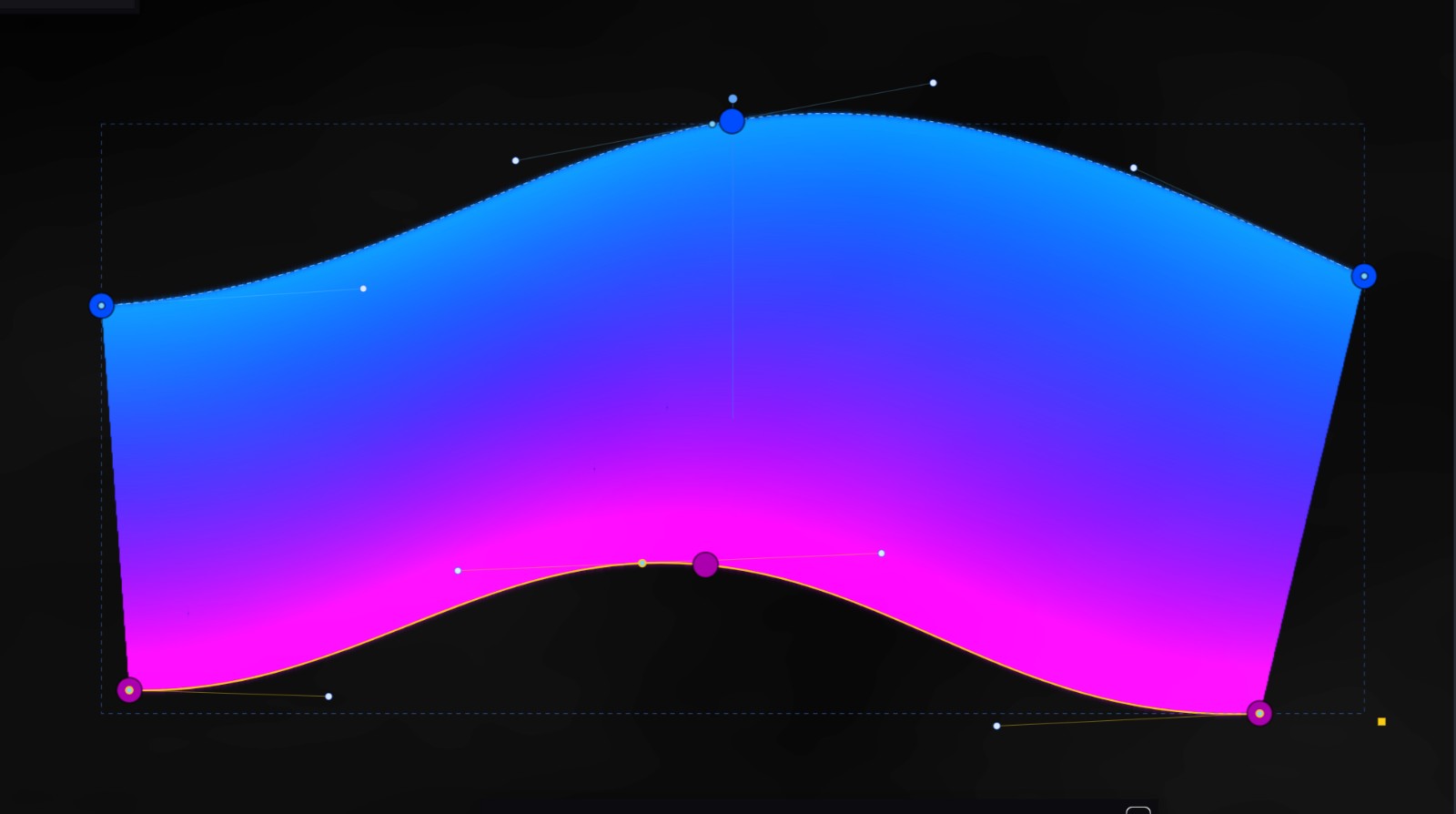
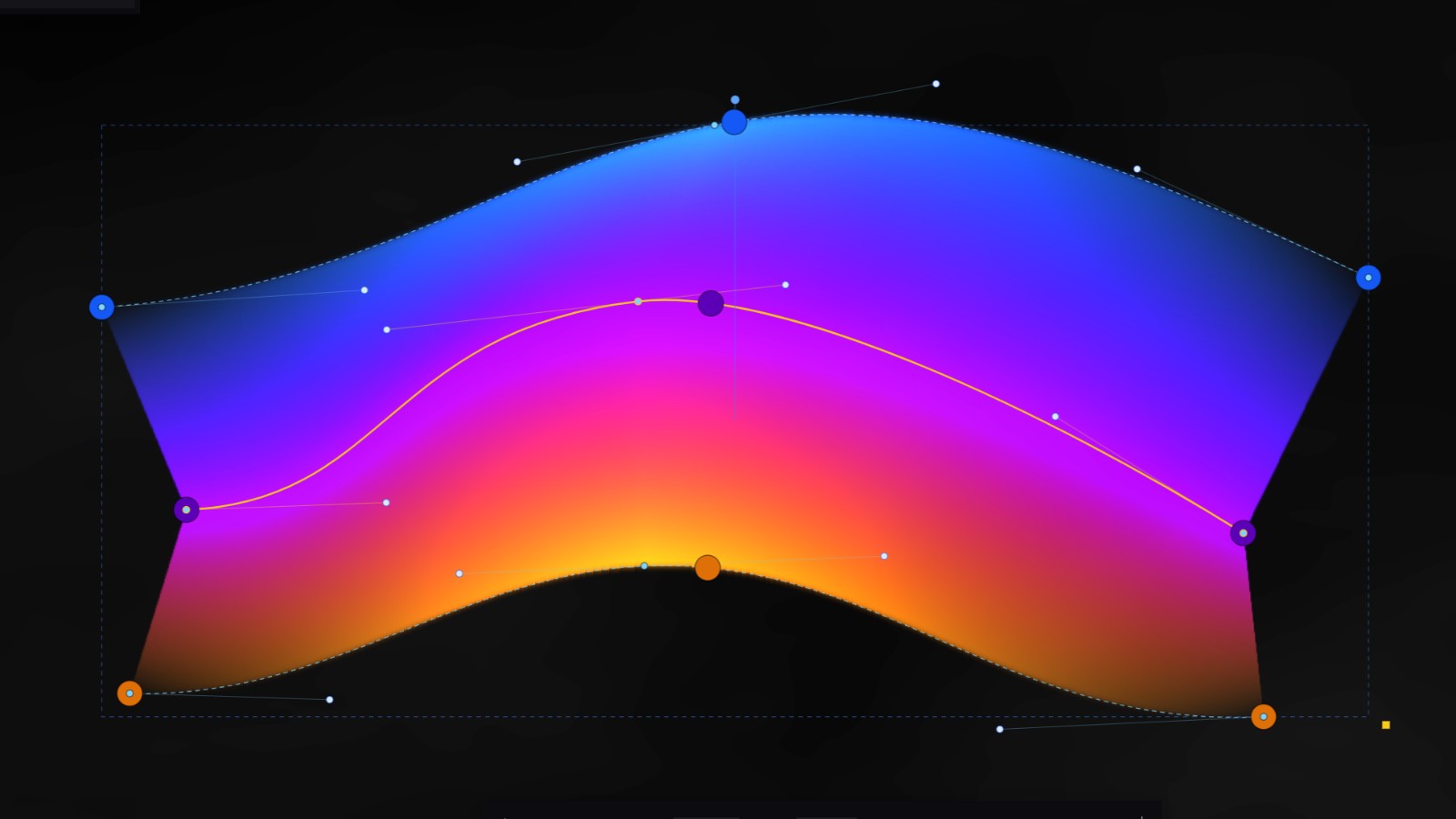
Gradient Patches are surface-like objects built from editable rails. They create controlled transitions between curves, with color and intensity shaped by rail-based power points.

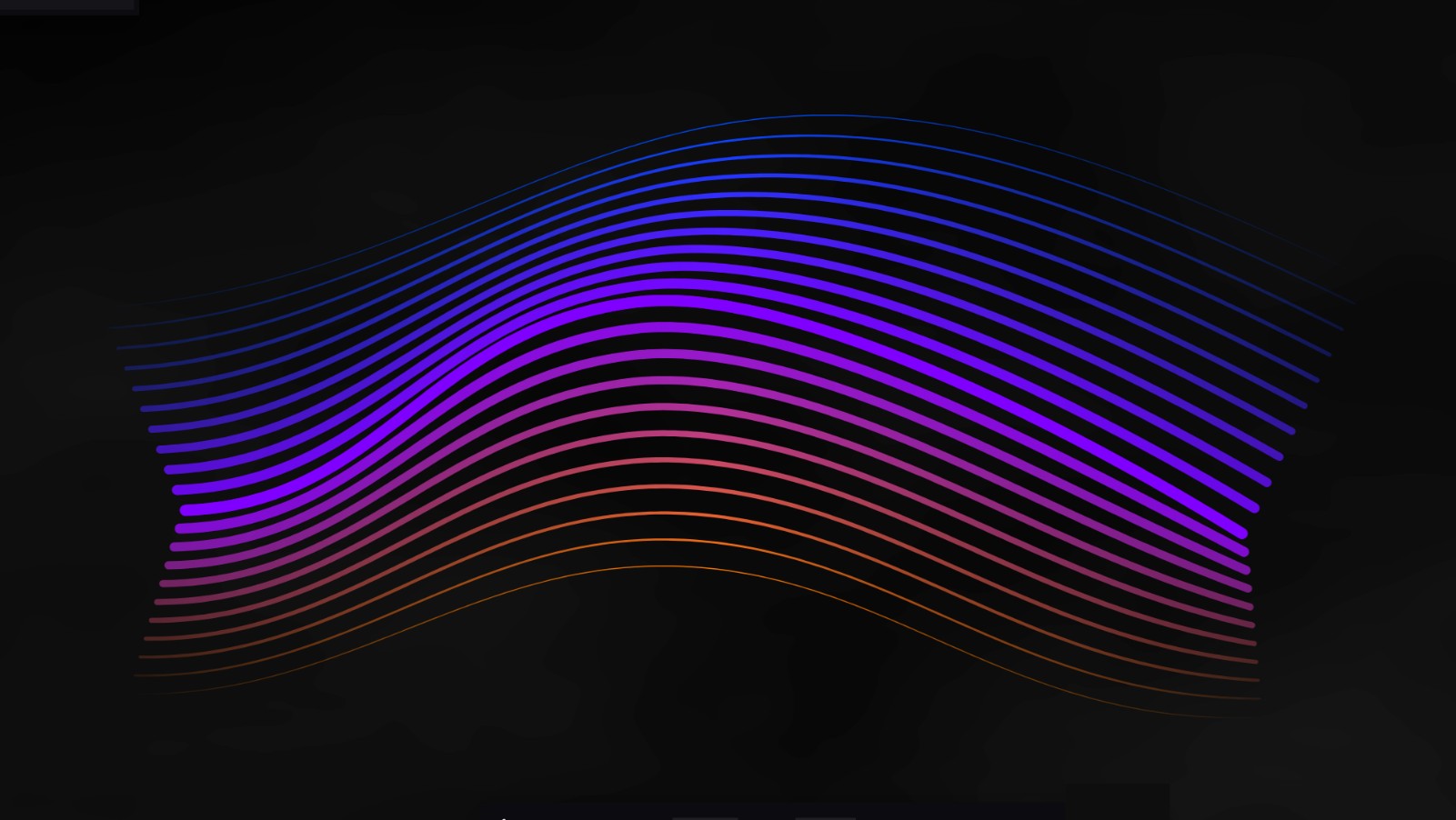
They function as a flexible, rail-based form of mesh gradient: instead of editing a rigid grid of mesh points, the surface is shaped through editable curves. Patches can render as smooth gradient surfaces, faceted fields, or interpolated line systems. They provide a more structured surface-based counterpart to blobs and paths, and can be animated.

These objects sit within a broader composition system that includes page settings, background settings, a filter layer, animation, starter presets, the Element Library, project files, image export, and video recording.

System-wide Capabilities

Animation

Animation is a general capability of the system. Blobs, paths, and gradient patches can all be animated through cyclic motion, color cycling, and object-specific animation controls.

The animation system is exploratory: playback can be used to generate motion, discover intermediate states, stop on an interesting frame, or record a video loop.

Video recording is limited to 60 seconds in the public alpha.

Export and Project Files

Amorpher projects can be saved and loaded as editable project files. Compositions can be exported as PNG images or recorded as WebM video loops directly from the browser.

Tutorial

Quick Tutorial

A short walkthrough introduces the main workflow: working with layers, editing paths and patches, using pattern-maps, animating a scene, and exporting the result.

Public Alpha

Amorpher Public Alpha

Amorpher is currently in free public alpha, no sign-up required. The app is usable for creating still images, animated loops, and experimental visual compositions, while new features and refinements continue to evolve. Learn how the alpha works locally.